Palmer Blog
December 22, 2025

A YEAR OF CREATIVITY AND COLLABORATION As 2025 comes to a close, we hope you receive this holiday message with warmest wishes. We’ve truly enjoyed dedicating this year to helping our valued clients stand out in their industries. With every project we took on, we injected 100% pure creative juice – delivering tailored results for each unique brand. LOOKING AHEAD TO 2026 We hope your holidays are filled with opportunities to gather with those […]
October 31, 2025

SEO (Search Engine Optimization) influences how websites rank in search engines based on their relevance to the user’s search words. As its algorithm continues to evolve, there are some standard practices you can follow to leverage your SEO, attract web traffic and create more business opportunities. While Pay Per Click ads can place you at the top of search results in the short term (depending on how much cash you invest), organic SEO requires a […]
July 4, 2025

LET YOUR PICTURES TELL THE STORY High-quality marketing visuals make a powerful first impression on potential clients and recruits. A single photoshoot can provide you with a robust library of visuals to use across your digital and print materials – showcasing your equipment, facilities and everything that sets you apart. BRIGHTER DAYS MAKE THE PERFECT BACKDROP Summer is the peak time of year to arrange professional photoshoot services. Longer daylight hours offer more scheduling […]
April 2, 2025
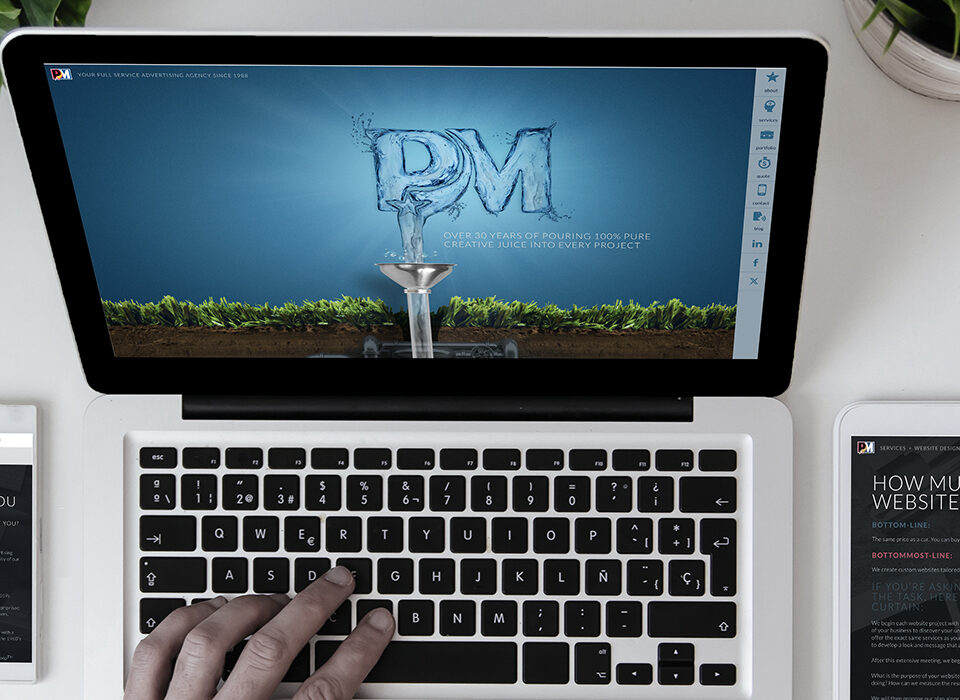
In the endless digital landscape, standing out is more challenging than ever. With customers primarily researching service providers online, your website needs to not only attract them but engage them long enough to buy, book or get in touch. By incorporating some key elements into your custom website, you can establish a unique online presence that drives conversions. Whether starting fresh or updating your existing website, strengthen its impact with these must-have features: WEB CUSTOMIZATION […]
February 14, 2025
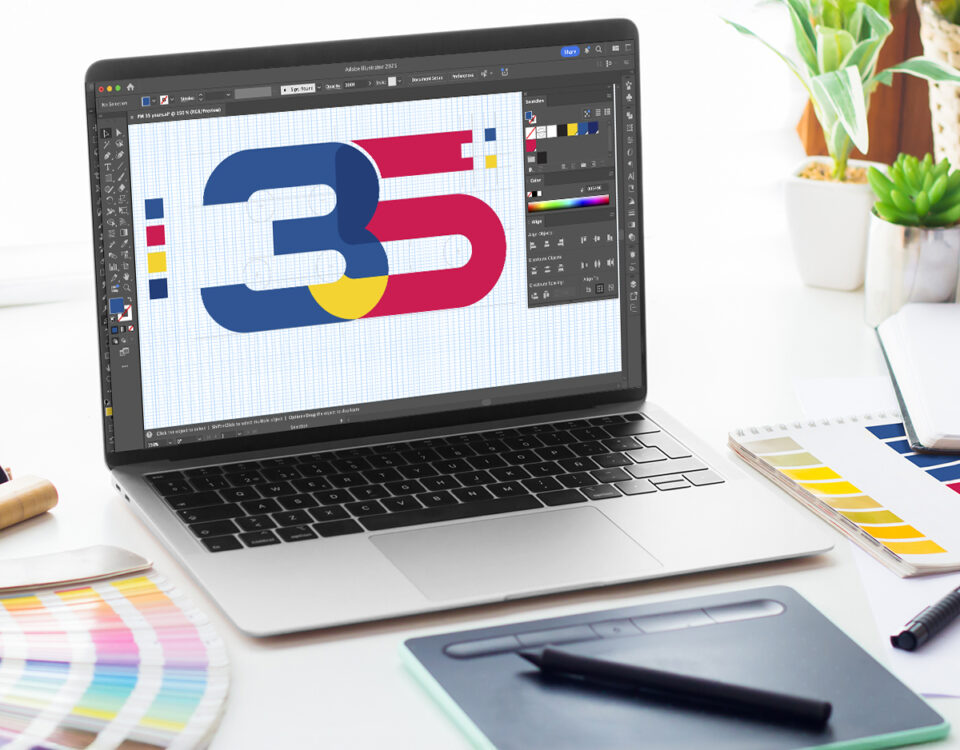
Celebrating a milestone in 2025 or planning for a big one ahead? Highlight this major achievement with a standout anniversary logo! A corporate anniversary indicates your business is thriving. It also serves as an opportunity to boost credibility with your clientele, establish industry status and bring your team together. Whether five years or five decades in, a special logo will make it loud and clear that your company is here to stay. Maximize its impact […]
December 13, 2024

The holiday season gives us an opportunity to reflect on the past year and plan a strong start to the New Year. For businesses, now’s the time to show your appreciation to your supporters and build excitement for another year together with holiday e-greetings. Sending emails to your audience’s inbox is an effective way to foster a personal connection between them and your brand. They allow you to directly engage with your employees, customers, partners, […]
November 27, 2024

Promotional items are an excellent way to give your team, customers and supporters a tangible reminder of your company along with the dopamine rush of a free gift. For maximum impact, you should approach your choice of items and how you brand them with creativity and consideration. With endless options out there, you want to make sure they are good quality and something your recipients would appreciate. The last thing you want is for your […]
November 5, 2024
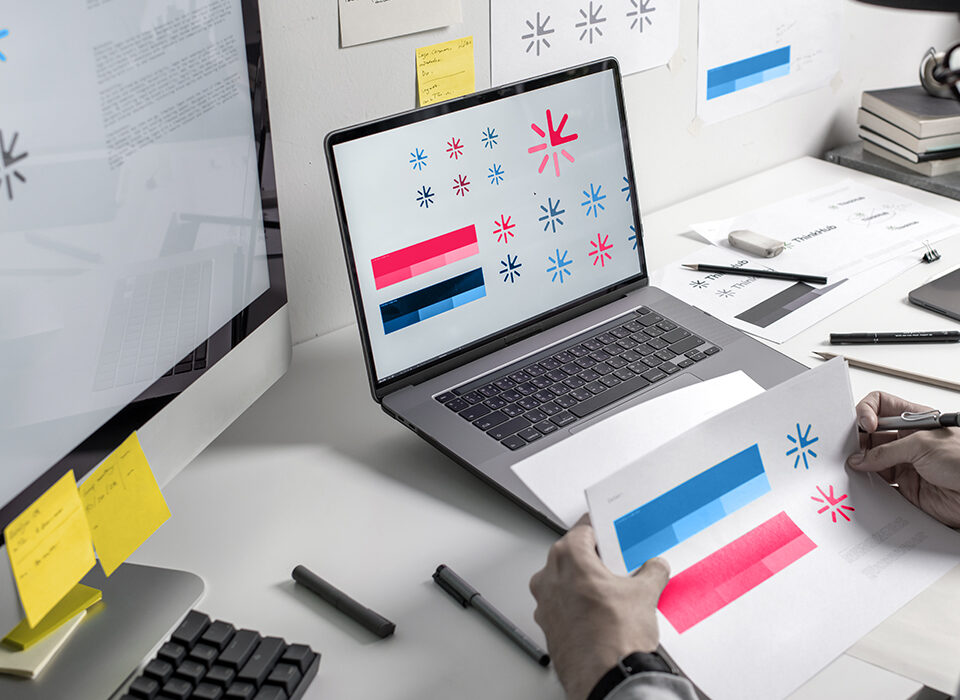
Your brand represents your company’s identity. It influences how your team, customers, partners, fellow industry members and community think and feel about your business. From our 30+ years of experience, we know that appearances DO matter. Up to 55% of first impressions for brands are visual – meaning your aesthetic influences your credibility. If you’ve put your branding on the back burner for the past several years, you could seem out of touch or to […]
November 14, 2018

Unless your product or service is a single supplier in the market, your current and prospective clients will always have another choice. Often several. And if we have a choice, we’ll go with the one who has that something extra special and can solve our problem. This is a company’s unique selling proposition (USP) and it’s one of the main reasons your prospects will choose you over your competition. See what your USP might be by […]


 I love my work like I love summer. Why not? Summer is when I get to play my favorite sport—golf! Playing artist is a lot like playing golf. You need to be calm and cool under pressure if you ever hope to keep the ball in play; that’s rare for an artist. My best shots happen when I talk less and concentrate more; that’s not so rare for an artist.
 I’m definitely a country girl. I didn’t grow up in an actual town, village or hamlet. It was more like the middle of somewhere along Highway 28, surrounded by trees. Many thanks goes to my high school art teacher, Mr. Edwards, for inspiring me to choose this career path. With the realization that I actually could create art for a living, college lured me away from country life to the big city. Kitchener, to be exact, to study Graphic Design & Advertising at Conestoga College. Talk about beginning an adventure and a culture shock! Not staring at people with purple, green or some other wildly coloured hair was a bit of a challenge. City buses (lol thinking back), who knew they only stopped on the same side of the street as the bus stop sign!? Lesson learnt.
 To say the apple doesn’t fall far from the tree would be an understatement in my family; at least when it comes to picking a career path. There isn’t a person in my immediate family that hasn’t at some point or another worked in the IT field. I guess there’s something in our DNA that pulls us towards computers.
 I am the 8th of 9 children raised in Essex County outside of Windsor, Ontario. We lived on a gravel road, no sidewalks and our greatest adventures were in our own backyard. I still have friends I made in grade 1 and continue to stay in touch today. After graduating from the University of Windsor with a Bachelor of Commerce degree, I moved to the big city of Toronto and have worked most of my career in the printing industry. I got to know the folks at Palmer Marketing as a key supplier to them for over a decade.
 I started Palmer Marketing at age 34 in January of 1988. I had 2 kids in diapers and a crazy idea about running my own company. I came from an entrepreneurial family and had no good reason to believe it wasn’t possible and as it happens, it was.