

How much for a website?
Bottom-line:
The same price as a car. You can buy a beater for $500, a Rolls Royce for $500K or anything in-between.
Bottommost-line:
We create custom websites tailored specifically to your look, your requirements and your goals.
If you’re asking yourself if we’re up to the task, here’s a little peek behind the curtain:
We begin each website project with our Drill Down DeepTM process allowing us to dig beneath the surface of your business to discover your unique selling proposition. We know you have competitors. You may even offer the exact same services as your competitors… but we keep digging until we have enough information to develop a look and message that allow you to stand out from the crowd.
After this extensive meeting, we begin to formulate our plan of attack.
What is the purpose of your website? Who are you trying to reach? What are your competitors doing or not doing? How can we measure the results of your individual goals? And so on and so forth.
We will then propose our plan along with associated costs to move forward.
Now the fun begins.
We give our artists the creative brief along with a case of 100% Pure Creative Juice and turn them loose.
We pitch the design, structure and functionality.
You approve.
We write all the content.
You approve.
We build, optimize for search engines and we test.
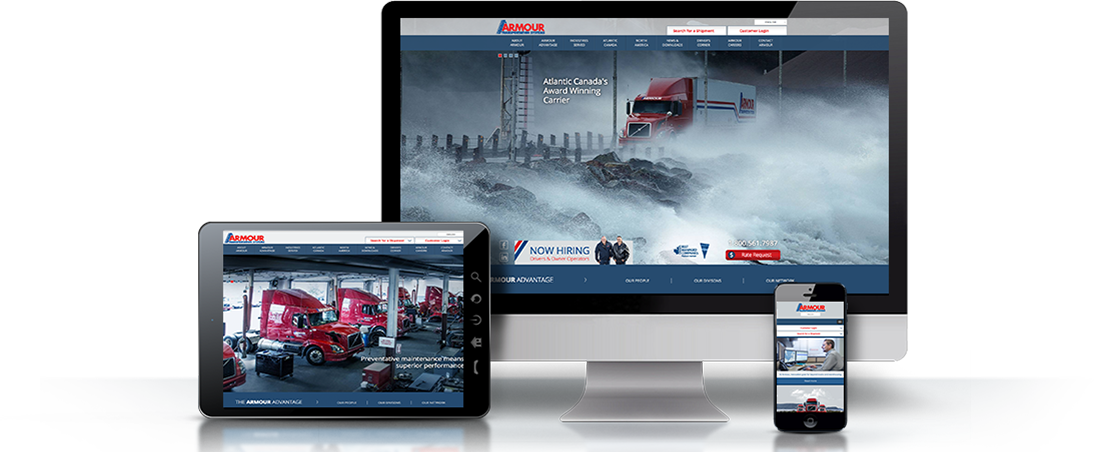
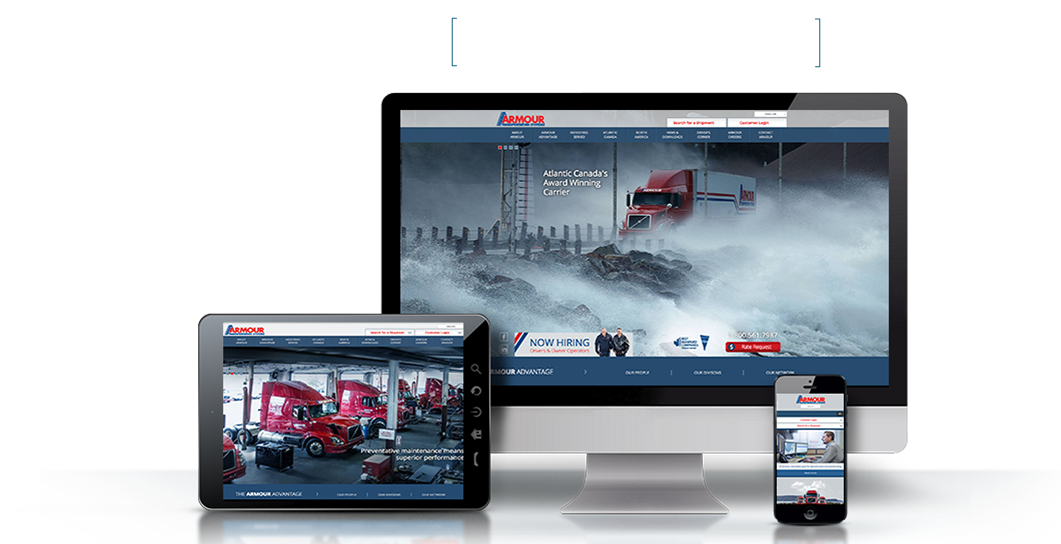
And we test and we test and we test and we test (phones, tablets, desktops, laptops, televisions)
You approve.
Launch.
… Test.
Bob’s your uncle.
Post-launch? We’ve got your back.
Websites are never carved in stone – nor should they be. As your business continues to change and evolve, so to should your website. We will continue to work with you, analyze the data, implement updates and even train your personnel to handle your required web changes (if using a Content Management System such as WordPress).


 I love my work like I love summer. Why not? Summer is when I get to play my favorite sport—golf! Playing artist is a lot like playing golf. You need to be calm and cool under pressure if you ever hope to keep the ball in play; that’s rare for an artist. My best shots happen when I talk less and concentrate more; that’s not so rare for an artist.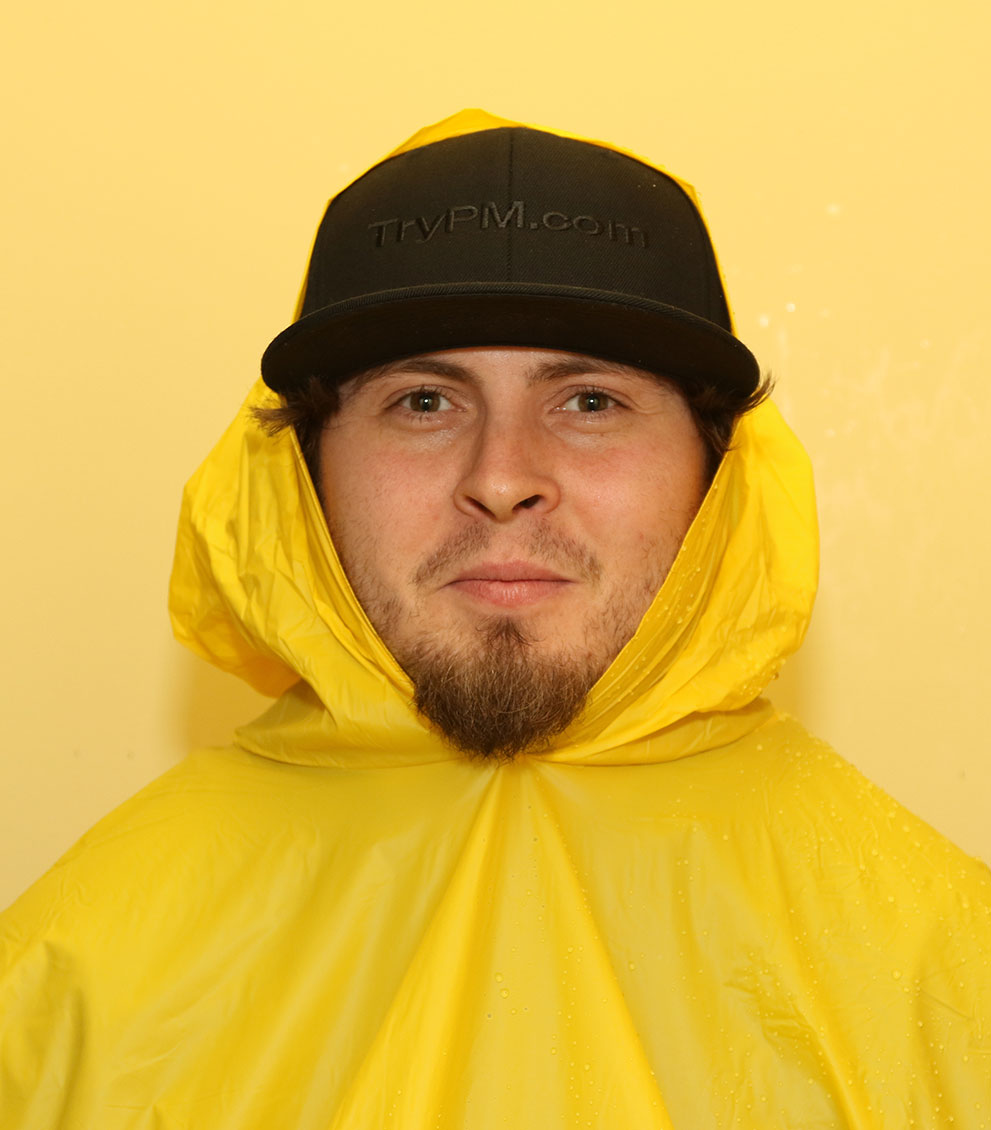
 I’m definitely a country girl. I didn’t grow up in an actual town, village or hamlet. It was more like the middle of somewhere along Highway 28, surrounded by trees. Many thanks goes to my high school art teacher, Mr. Edwards, for inspiring me to choose this career path. With the realization that I actually could create art for a living, college lured me away from country life to the big city. Kitchener, to be exact, to study Graphic Design & Advertising at Conestoga College. Talk about beginning an adventure and a culture shock! Not staring at people with purple, green or some other wildly coloured hair was a bit of a challenge. City buses (lol thinking back), who knew they only stopped on the same side of the street as the bus stop sign!? Lesson learnt.
 To say the apple doesn’t fall far from the tree would be an understatement in my family; at least when it comes to picking a career path. There isn’t a person in my immediate family that hasn’t at some point or another worked in the IT field. I guess there’s something in our DNA that pulls us towards computers.
 I am the 8th of 9 children raised in Essex County outside of Windsor, Ontario. We lived on a gravel road, no sidewalks and our greatest adventures were in our own backyard. I still have friends I made in grade 1 and continue to stay in touch today. After graduating from the University of Windsor with a Bachelor of Commerce degree, I moved to the big city of Toronto and have worked most of my career in the printing industry. I got to know the folks at Palmer Marketing as a key supplier to them for over a decade.
 I started Palmer Marketing at age 34 in January of 1988. I had 2 kids in diapers and a crazy idea about running my own company. I came from an entrepreneurial family and had no good reason to believe it wasn’t possible and as it happens, it was.